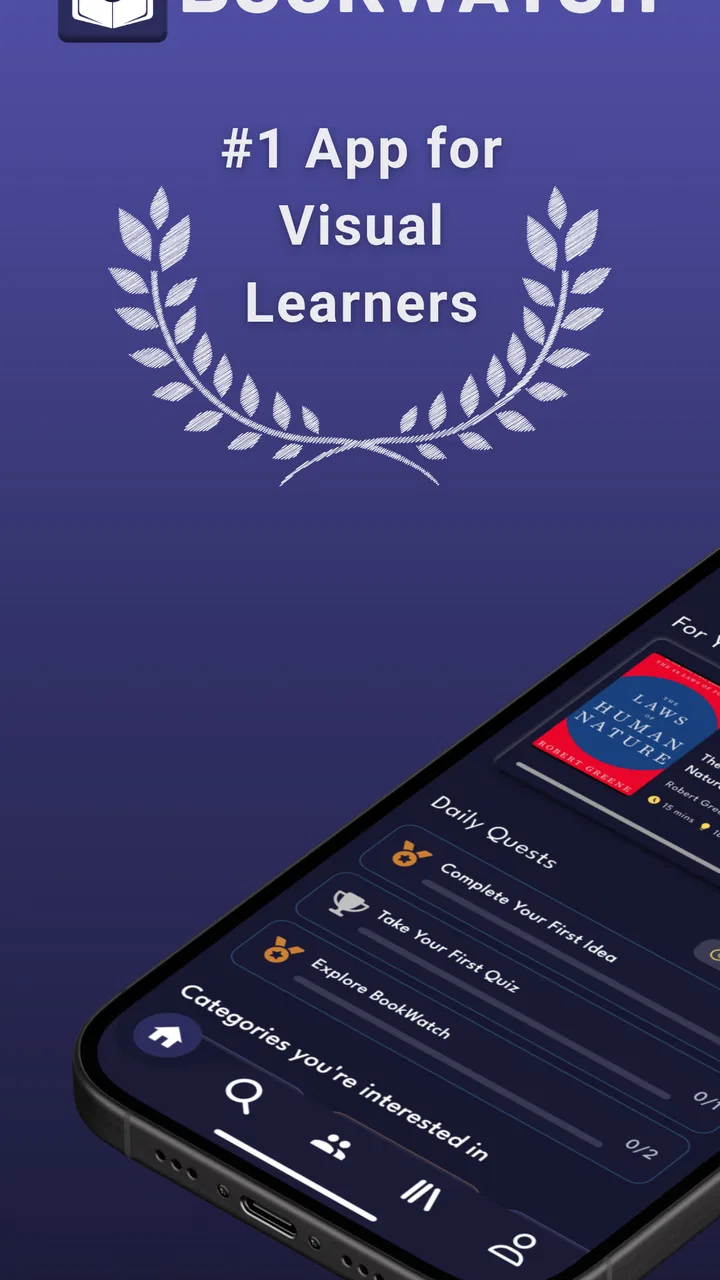
BookWatch - Visual Learning
- 4.5
- Rating
- 10.00K
- Installs
- Free
- Price

 Analysis by App-foxy
I approached BookWatch - Visual Learning as someone who often starts non-fiction books with good intentions and then struggles to keep the main ideas in view. This free education app from BookWatch is built around short, animated explanations rather than full-length reading. Its purpose is not to replace a serious book; it is to help me decide what deserves deeper attention and give me a memorable outline before I commit more time.
That distinction matters from the first minute. I did not treat each summary as a complete course or a substitute for an author’s detailed argument. Instead, I used the app as a fast way to explore subjects, refresh ideas, and turn idle moments into useful learning. The approach is approachable, especially for a first-time user, but it rewards people who know how to follow a summary with a practical action.
Getting from the first screen to a useful learning habit
I’d start by choosing a real question I want answered, then use one summary as a prompt to think rather than something to watch passively. A quick note in my own words can make the idea easier to retrieve later and reveal whether it genuinely fits my situation. From there, I’d look at how to turn that first useful session into a repeatable habit.
You May Also Like

 AccuWeather: Weather Radar
AccuWeather Review: A Quick, Clear Forecast for Everyday Decisions
For everyday plans, the best forecast is the one you can understand quickly. AccuWeather makes rain timing, radar, and local conditions easy to act on, with a few trade-offs.

 Hill Climb Racing
Why Hill Climb Racing Still Turns Crashes Into One More Run
A tiny car, a bumpy hill and one more upgrade: Hill Climb Racing keeps resurfacing because its simple chaos makes every near-miss feel personal.

 AliExpress - Shopping App
AliExpress Makes Global Shopping Feel Personal, but Shoppers Bear the Risk
AliExpress turns a global marketplace into a pocket-sized discovery engine. Its reach is useful, its shopping loop compelling, and its trade-offs easy to miss.

 Lords Mobile: Kingdom Wars
Lords Mobile Is a Kingdom-Building Routine, Not a Quick Match
A case-by-case verdict on the building, battles, device demands, and social commitments that make Lords Mobile rewarding for some players and exhausting for others.

 PDF Scanner app - TapScanner
TapScanner Makes Paperwork Easier to Capture, Check, and Share
TapScanner makes scanning with a phone feel less like a rescue operation and more like a dependable step in getting work done. Its capture tools are useful, though not flawless.

 Block Blast!
 Shows How Much a Puzzle Game Can Leave Out
A quiet grid game shows why puzzle players increasingly value instant clarity, repeatable skill and low-pressure play—and where the genre still needs to catch up.
More From Our News Desk
View All News


What to expect before choosing a book
The experience is centered on animated book summaries of non-fiction titles. That visual format gives the material a lighter feel than opening a dense chapter, and it can make abstract ideas easier to follow when I am tired or short on time. The animations are best understood as a guide through the central concepts, not as decoration that turns every subject into entertainment.
My first useful adjustment was lowering the expectation that every summary would answer every question. A book about business, psychology, habits, or personal development usually contains examples, qualifications, and supporting details that cannot all fit into a condensed presentation. BookWatch is more valuable when I use it to identify a principle, test whether it applies to my situation, and then decide whether the original book is worth reading.
The app has a 4.5 average from around 1.1 thousand ratings, and it has passed 10 thousand installs. Those figures suggest that the format has found an audience, but they should not be read as a promise that every summary will match my interests. The real test is whether its visual explanations fit the way I prefer to learn.
For me, the strongest use case is discovery. I can sample an unfamiliar topic without buying a book or spending an evening on a title that may not suit me. It is also useful for revisiting a concept I encountered earlier but cannot quite recall. A short visual refresher can bring the framework back into focus before a meeting, study session, or personal project.
There is a trade-off here. Readers who enjoy the author’s voice, evidence, and gradual reasoning may find the condensed format too thin. Someone studying a subject for an exam should not rely on a summary alone, because the app’s central ideas may omit definitions and exceptions that a course requires. I would skip it if my only goal were exhaustive research. I would choose it when I need orientation, recall, or a practical starting point.
Setting it up without overthinking the process
BookWatch is free to install, which makes the first step relatively easy for a curious user. It is suitable for an Everyone 10+ audience, and the current version is 4.2.7. On Android, it requires version 8.0 or later, so I would check that basic compatibility before troubleshooting anything else.
I recommend beginning with a specific question instead of browsing aimlessly. For example, I might want a better way to plan a week, understand a communication idea, or explore a new approach to learning. That question gives the first session a purpose and makes it easier to judge whether the summary helped. Without a goal, animated content can become pleasant background viewing with very little retained afterward.
Another sensible first step is to treat the catalog as a set of possible directions rather than a checklist. I would not open several unrelated summaries in quick succession and assume that exposure equals learning. Choosing one title connected to an immediate problem creates a better chance of remembering the key idea, because I already have a situation in which to place it.
Some content may involve in-app purchases ranging from $8.99 to $99.99 per item. That is important for anyone planning to use the app beyond casual exploration. I would first establish whether the free experience fits my learning style, then consider any purchase carefully rather than assuming that every available title or option is included at no cost. The free entry point is welcoming, but the possible spending range means I would keep an eye on what I am selecting before confirming anything.
BookWatch comes from BookWatch, and its focused identity is useful during setup: I am not entering a general-purpose reading platform with a huge mix of unrelated media. I am entering a visual learning tool aimed at non-fiction ideas. That narrow purpose helps me decide how to use it. I would open it when I want a structured introduction, not when I want fiction, long-form commentary, or a replacement for a library app.
The first meaningful action I would take
After choosing a relevant summary, I would watch it actively rather than letting it play while doing something else. My method is simple: pause mentally after each major point and ask, “Where would this show up in my week?” If the answer is unclear, I note the idea as a question instead of pretending I have learned it.
A realistic example is a Sunday evening when I am trying to organize a crowded week. I could select a summary related to habits, planning, or productivity, watch it during a short break, and choose one suggested principle to test on Monday. The success is not finishing a video or remembering every phrase. The success is translating one idea into a visible action, such as changing how I prepare a task or how I review the day.
This is where the animated format can outperform a plain paragraph summary for certain users. Visual movement gives the explanation a sequence, and that sequence can make a framework easier to recall later. I would still write down the idea in my own words, because recognition during viewing is not the same as being able to retrieve it when the screen is closed.
A useful three-part routine is to identify the problem, watch for the proposed principle, and choose a small experiment. I might define the problem as “I keep postponing an important task,” identify the summary’s relevant suggestion, and test it on one task rather than rebuilding my entire routine. This keeps the app from becoming another source of ambitious advice that never reaches daily life.
I also found it helpful to separate “interesting” from “useful.” Some ideas are enjoyable because they sound fresh, but they may not fit my responsibilities or personality. A summary earns a place in my notes only when I can explain the idea plainly and name a situation where I might apply it. That small filter is one of the best ways to get more value from short-form learning.
Where new users can become confused
The biggest possible misunderstanding is assuming that a summary delivers the same depth as the original book. It does not need to do that to be worthwhile. Its job is closer to creating a map: it can show the main route, but it will not contain every side road, piece of evidence, or disagreement. If a recommendation affects money, health, work, or relationships, I would investigate the subject further before acting on a simplified explanation.
Another point of confusion is the difference between watching and learning. Animated presentation can feel easy, and that ease may create false confidence. I counter it by closing the app and trying to recall the central idea without looking back. If I cannot describe it in a sentence or connect it to a real decision, I treat the session as an introduction and revisit it later.
The purchase model can also require attention. Because the app is free while individual in-app purchases can be priced between $8.99 and $99.99, I would not tap through screens quickly. I would read the wording around any paid option and decide whether the material is relevant to my current goal. This is especially important for families, even though the content rating is Everyone 10+.
There is also a practical question about device access. The listed Android requirement is 8.0 or later, so an older phone may be the reason an installation does not proceed. I would check the operating system first rather than assuming the app itself is malfunctioning. On a compatible device, keeping the first session focused is more useful than changing settings repeatedly.
Users comparing this with ordinary reading apps should understand the difference in control. A reading app gives me the author’s full structure and lets me move at my own pace through the original text. BookWatch gives me a quicker visual route to the main ideas. Users comparing it with podcasts may appreciate the animated support, but listeners who learn best through long conversations may prefer audio. The better choice depends on whether I need a map, a full journey, or an in-depth discussion.
Turning one summary into the next step
Once I finish a useful summary, I would avoid immediately opening another one. My next step would be to write one sentence describing the idea, one sentence explaining why it matters to me, and one action I can test. This takes less effort than rereading a long book and gives the session a clear outcome.
If the idea survives that test, I would return to the original book or seek a more detailed source. This is where BookWatch works particularly well as a filter. It can help me decide whether a title deserves deeper attention, while the full book can provide the context needed to challenge or refine the summary’s simplified version.
I would also use the app for spaced refreshers rather than one-time consumption. After trying an idea for a few days, I can revisit the summary and compare the concept with what actually happened. Did the method reduce friction? Was it too complicated? Did I misunderstand the principle? This turns passive viewing into a small feedback loop and exposes advice that sounds good but does not fit my circumstances.
For students and lifelong learners, the most effective workflow is to connect each summary to an existing project. A student might use one to preview a topic before reading assigned material. A manager might use one to frame a discussion, then check the original source before presenting the idea as fact. Someone building a personal habit can use the visual explanation as a prompt, but should change only one behavior at a time so the result is clear.
I would not recommend making BookWatch the only educational resource for serious study. Its strength is speed and accessibility, while its weakness is the unavoidable loss of detail that comes with compression. If I need citations, complete arguments, technical precision, or a reliable account of competing viewpoints, I would move to books, courses, or specialist sources. If I need a friendly first pass before choosing those resources, this app is a sensible companion.
My recommendation after using it as a beginner
BookWatch - Visual Learning is a good fit for curious people who want to explore non-fiction ideas in manageable sessions. I like it most as a bridge between “I have heard of this book” and “I understand enough to decide what to do next.” The animated approach makes the first contact less intimidating, and the free starting point lowers the barrier to trying it.
It is not the right choice for someone who wants complete books, detailed academic instruction, or uninterrupted long-form reading. It also will not create a habit automatically. I have to bring a question, pay attention, and apply at least one idea; otherwise, the summaries can blur together.
My practical advice is to begin with one problem from real life, select one relevant summary, and finish by choosing a small experiment. Keep the purchase screen in mind, check that an Android device meets the 8.0 requirement, and use the app as a launchpad for deeper reading when a topic matters. The best result is not knowing more titles; it is making one better decision because a difficult idea became easier to approach.
With that expectation, I can recommend this education app to first-time users who prefer visual explanations and want a low-pressure way to sample non-fiction. Its 4.5 average and growing audience make it worth exploring, but my recommendation rests more on the workflow than on the rating: preview, reflect, test, and then go deeper when the subject deserves it. That is the point at which BookWatch feels genuinely useful rather than merely convenient.
FAQs for BookWatch - Visual Learning
01What is BookWatch - Visual Learning, and how does it work?
BookWatch - Visual Learning is an innovative app designed to enhance your reading experience through visual aids and interactive elements. It provides summaries, visual mind maps, and key insights for various books, making complex information easier to understand. The app uses advanced algorithms to transform text into engaging visual content, suitable for learners of all ages.
02Is BookWatch - Visual Learning suitable for all book genres?
Yes, BookWatch - Visual Learning covers a wide range of book genres including fiction, non-fiction, academic texts, and self-help books. The app tailors its visual summaries to suit the unique features of each genre, ensuring that users receive the most relevant and engaging content regardless of their reading preferences.
03Can I use BookWatch - Visual Learning offline?
Currently, BookWatch - Visual Learning requires an internet connection to download and update its content. However, once a book's visual summary is downloaded, you can access it offline. This feature allows users to enjoy learning on-the-go without needing a constant internet connection.
04Does BookWatch - Visual Learning support multiple languages?
Yes, BookWatch - Visual Learning offers support for multiple languages, making it accessible to a global audience. The app provides translations for its interface and content, allowing users to enjoy visual learning in their preferred language. Language options can be adjusted in the app settings.
05Are there any subscription fees for using BookWatch - Visual Learning?
BookWatch - Visual Learning offers both free and premium subscription plans. The free version provides access to a limited selection of book summaries and features, while the premium plan unlocks the full library and advanced functionalities. Users can choose from monthly or annual subscriptions, with discounts available for longer commitments.
Pros
- Intuitive interface enhances user experience.
- Offers a wide variety of book genres.
- Includes audio and visual learning aids.
- Syncs seamlessly across devices.
- Regular updates with new content.
Cons
- Requires internet for full functionality.
- Limited offline access options.
- Some features locked behind paywall.
- Occasional app crashes reported.
- High battery usage during audio playback.

BookWatch - Visual Learning
Gallery